
Early warning
Get a warning when a sensor detects entry or movement.
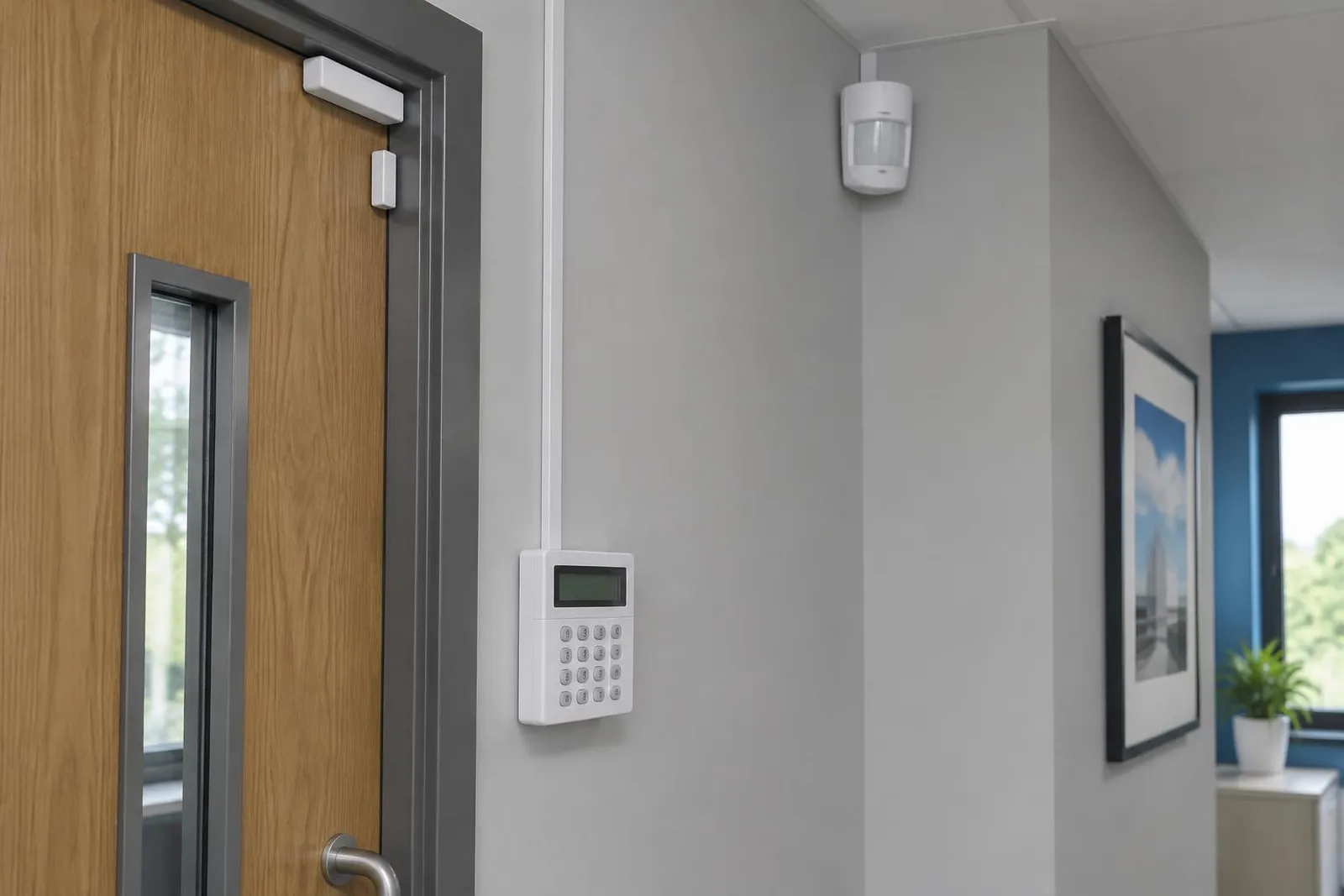
DETECT EARLY. RESPOND FASTER.
Protect your site with connected alarm panels, sensors, and alerts. Give your team an early warning when a door opens, movement is detected, or help is needed.
Talk about your projectWHAT IT DOES
Alarm panels, door contacts, motion detection, panic buttons, sirens, and mobile alerts.
INSTALLATION STEPS
Review doors, windows, rooms, and places where an alarm is needed.
Select panels, sensors, panic buttons, and sirens for your site.
Agree who receives alerts and check connections to cameras, entry systems, and monitoring equipment.
Test sensors, sirens, and alerts. Agree the support you need.
HOW IT HELPS
Get a warning when a sensor detects entry or movement.
Send alerts to the agreed people so they can respond.
Use alarms with cameras and entry systems where supported.
ABOUT THIS PRODUCT
An intruder alarm warns your team when a protected door or window opens, movement is detected, or someone presses a panic button. We first review your site to decide where each device is needed.
We offer alarm panels, door and window sensors, motion detectors, panic buttons, sirens, and mobile alerts. Sensors detect activity, the panel receives their signals, and alerts tell your team when to act.
Alarms can connect to CCTV, access control, and central monitoring equipment. We agree who receives alerts and what they should do. A connection to monitoring equipment does not mean a 24-hour staffed monitoring service is included.
PARTS OF THE SYSTEM
The main unit receives signals from the sensors and controls the alarm system.
Door and window sensors detect opening. Motion detectors detect movement in selected areas.
A panic button lets someone call for help. A siren sounds an alarm at the site.
Send alerts to the agreed people and connect to monitoring equipment where supported.
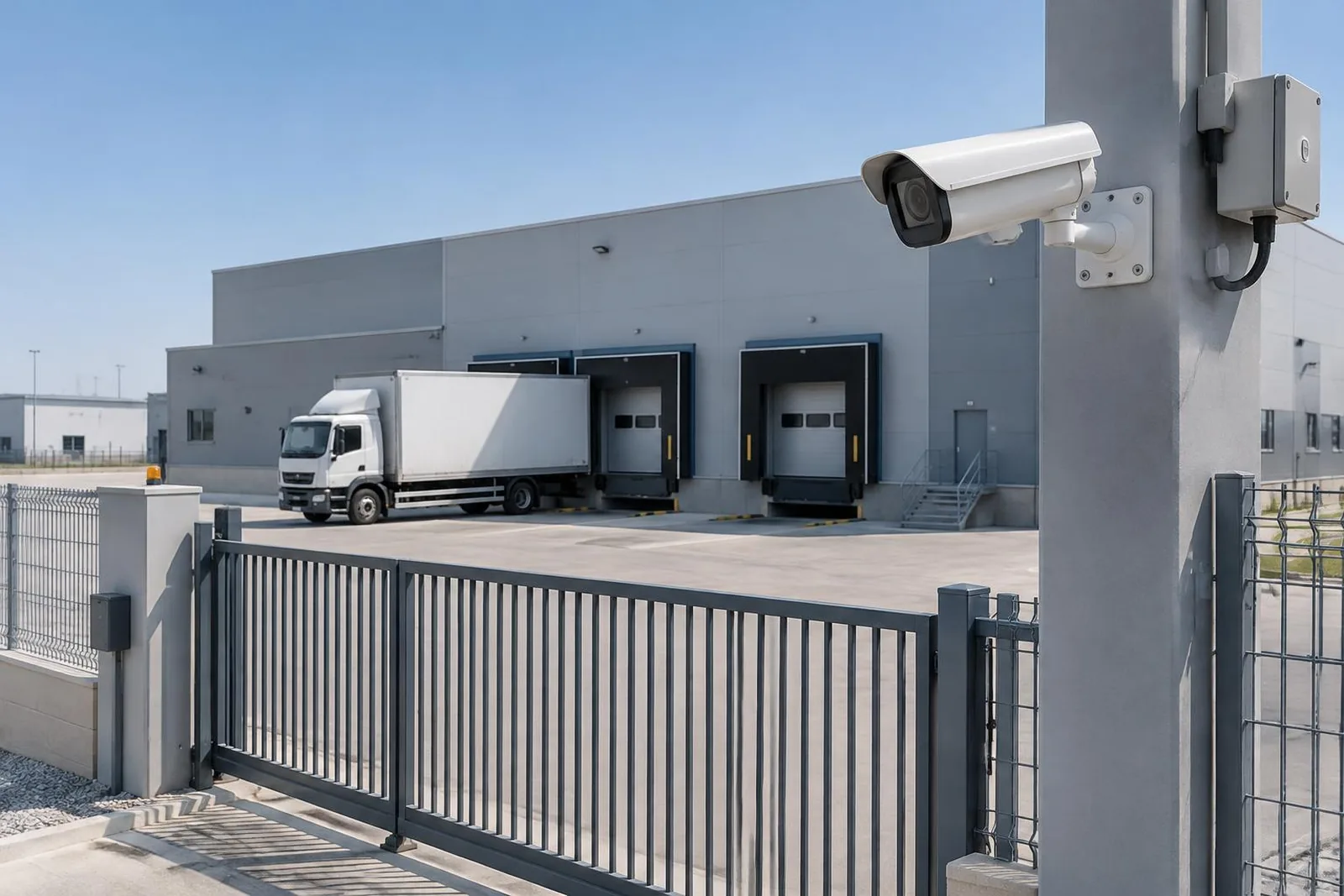
WHERE YOU CAN USE IT
These are examples. We check your site before agreeing the final equipment and work.
Identify the doors and windows that need opening sensors.
Choose where movement should trigger an alarm and review how each space is used.
Discuss suitable positions for panic buttons and what staff should do when they are pressed.
Plan sensors, camera views, and alerts around your building and working hours.
CONNECTIONS TO OTHER SYSTEMS
Use camera views to help your team check the area where an alarm was raised.
Check how the alarm should work with your doors and entry rules.
Agree the monitoring equipment, alert contacts, and response plan. Staffed monitoring is not automatically included.
We check equipment models, software versions, and the tasks you need before confirming a connection.
Ask about your equipmentBEFORE INSTALLATION
Agree who will use the system, what they need to do, and how it will be maintained.
Mark entrances, shared areas, rooms with limited access, and site boundaries. Check lighting and where each device should go.
Agree who can issue passes, approve visitors, view cameras, check patrols, and receive alerts.
Agree what information to keep, who can see it, and how long to keep it. Follow the privacy rules for your organization.
Test the tasks your team will use: door entry, camera playback, alarm alerts, visitor check-in, and patrol scans. Show the responsible staff how to use them.
Agree how to report faults and what support covers. Plan what to do if power, internet, or part of the system stops working.
Include equipment models, software versions, and future sites in the plan. Check connections rather than assuming every product works with every brand.
YOUR PROJECT DETAILS
Select the points you want to discuss with our team.
These are points to discuss, not a final plan or a site check.
Talk about these needsCOMMON QUESTIONS
We offer panels, door and window sensors, motion detectors, panic buttons, and sirens. We select the devices after checking your site.
Yes. Phone alerts are part of the product offering. We agree the alert setup during planning.
Yes. We check your models and agree the connections to cameras, entry systems, and central monitoring equipment.
No. The alarm warns people who can respond. We agree who receives alerts and what actions they should take.
The brochure lists connections to central monitoring, not a guaranteed staffed service. Ask our team about the monitoring and support terms for your site.
Share the panel and sensor details. We check your equipment before suggesting an upgrade.
Explore access control, CCTV, intruder alarms, visitors, and patrols.
CONTACT OUR TEAM
Tell us about your site. We’ll help you choose the right products.