
Control each door
Manage who can use doors, gates, and restricted areas.
CONTROL EVERY ENTRY
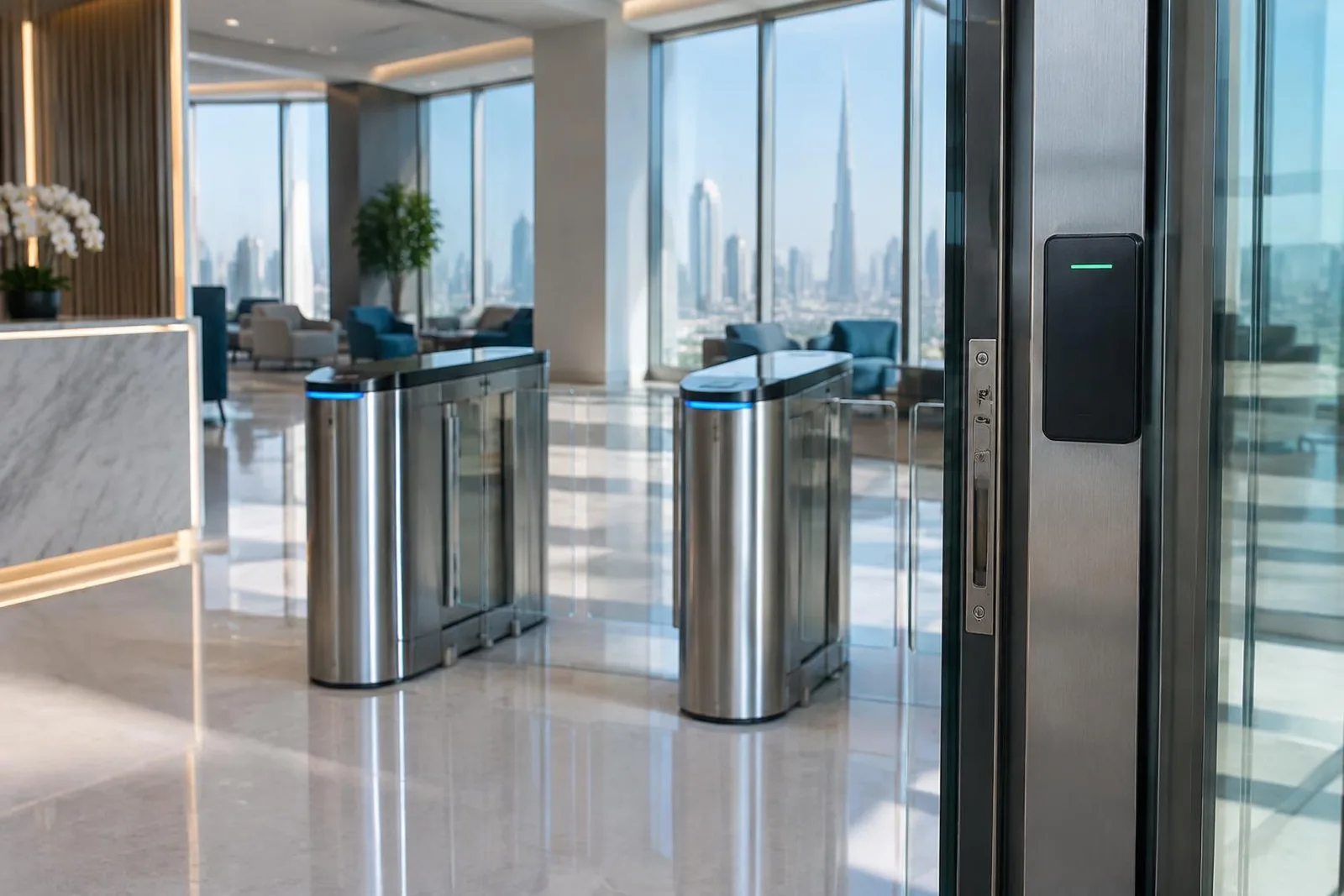
Control who enters your building, which doors they can use, and the areas they can reach. Connect staff and visitor access in one clear system.
Talk about your projectWHAT IT DOES
Use cards, biometrics such as fingerprints, or other approved entry methods. Control doors, gates, and turnstiles.
SUPPORTED BRANDS
INSTALLATION STEPS
Review doors, gates, restricted areas, and current entry equipment.
Choose cards, biometrics, or another approved method to suit your people and site.
Install controllers and readers. Connect visitor records where needed and supported.
Test entry rules and show your team how to use the system. Agree ongoing support.
HOW IT HELPS
Manage who can use doors, gates, and restricted areas.
Connect approved VISITRAK visitors to your access system.
Check which equipment can stay and add new areas in stages.
ABOUT THIS PRODUCT
Access control lets you decide who can enter your building and which areas they can use. We supply and install door controllers, readers, and entry systems that use cards or biometrics, such as fingerprints.
The system can cover one door or several doors, gates, and turnstiles. A turnstile is an entry gate that lets people pass through one at a time. You can manage users and check entry records from one place.
We can install a new system, upgrade your current setup, or add more locations. VISITRAK can connect approved visitors to your entry system. We check your equipment before confirming any connection.
PARTS OF THE SYSTEM
The reader checks a card or other entry method. The controller decides whether the person can enter.
Choose cards or biometric readers, such as fingerprint readers, to suit your staff and site.
Control entry to buildings, site gates, walkways, and areas for approved staff only.
Manage users and check a history of entries from one place.
WHERE YOU CAN USE IT
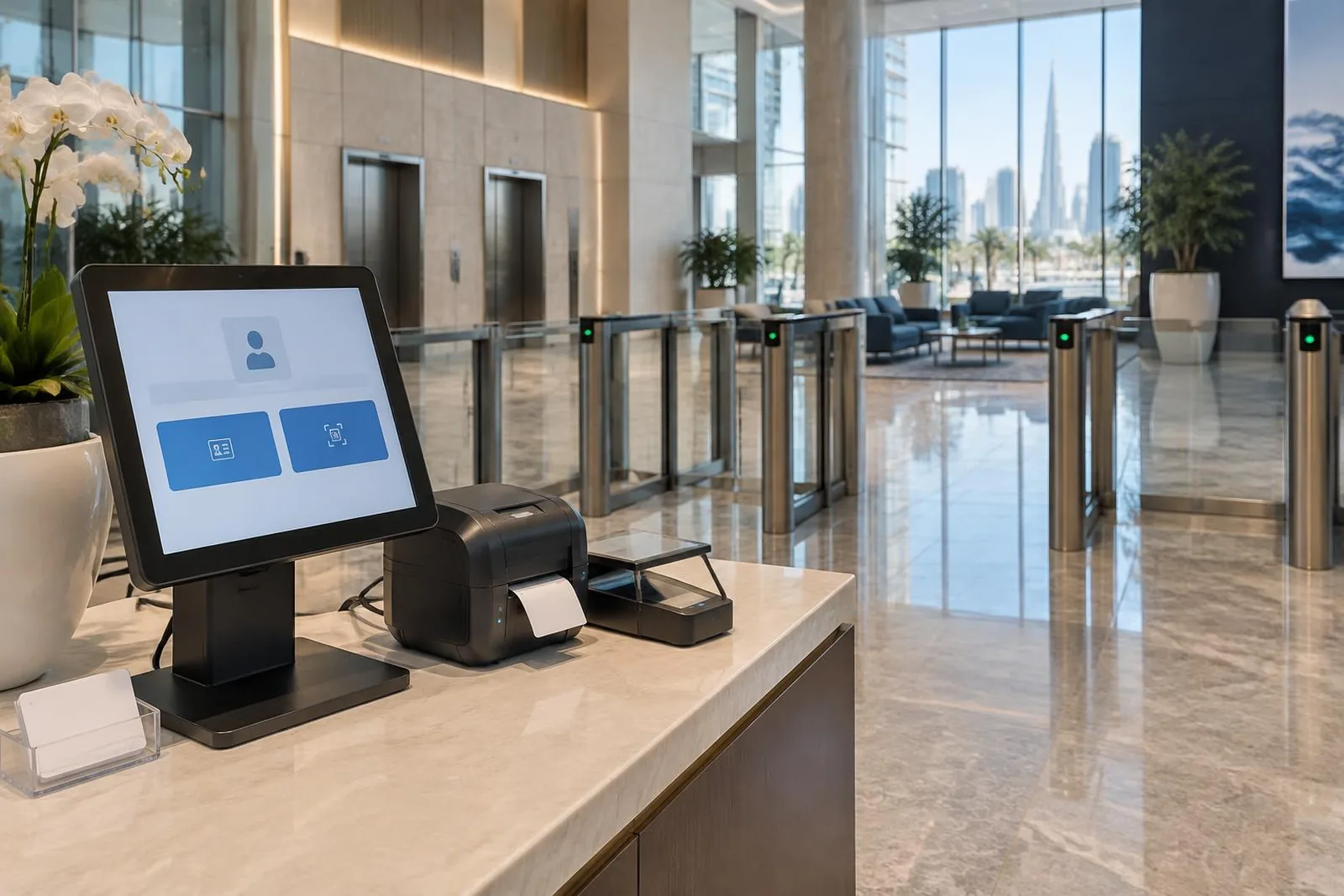
These are examples. We check your site before agreeing the final equipment and work.
Give staff access to the doors and areas they need for their work.
Limit entry to rooms and work areas that not everyone should use.
Link VISITRAK visitor registration to approved entry when the selected systems support it.
Plan access at each site and check the doors, gates, and equipment already in place.
CONNECTIONS TO OTHER SYSTEMS
Connect approved visitors, badges, or QR passes to the entry system.
Review how controlled doors and alarms should work with your team’s response plan.
Check existing readers and controllers before replacing equipment or adding new areas.
We check equipment models, software versions, and the tasks you need before confirming a connection.
Ask about your equipmentBEFORE INSTALLATION
Agree who will use the system, what they need to do, and how it will be maintained.
Mark entrances, shared areas, rooms with limited access, and site boundaries. Check lighting and where each device should go.
Agree who can issue passes, approve visitors, view cameras, check patrols, and receive alerts.
Agree what information to keep, who can see it, and how long to keep it. Follow the privacy rules for your organization.
Test the tasks your team will use: door entry, camera playback, alarm alerts, visitor check-in, and patrol scans. Show the responsible staff how to use them.
Agree how to report faults and what support covers. Plan what to do if power, internet, or part of the system stops working.
Include equipment models, software versions, and future sites in the plan. Check connections rather than assuming every product works with every brand.
YOUR PROJECT DETAILS
Select the points you want to discuss with our team.
These are points to discuss, not a final plan or a site check.
Talk about these needsCOMMON QUESTIONS
Our brochure lists RBH, ICT, Paxton, BOSCH, Sentry, PACOM, HIK, and Suprema. Share your models so we can check the right setup.
Yes. We offer connections between VISITRAK visitor records and controlled entry. We first check the equipment and functions you need.
Yes. We can review, upgrade, or replace your current system and add more sites. We start with a site check.
Yes. We offer door, gate, turnstile, and restricted-area access control. We check your entry points before agreeing the equipment.
A card reader checks an issued card. A biometric reader checks a feature such as a fingerprint. We discuss your users, site, equipment, and privacy needs before choosing.
No. We must check the exact model, software version, and functions you need before confirming a connection.
Explore access control, CCTV, intruder alarms, visitors, and patrols.
CONTACT OUR TEAM
Tell us about your site. We’ll help you choose the right products.